Product Update: Equivalent Code, API Key Permissions, SIEM, GitHub Auth, Volume Management, and More

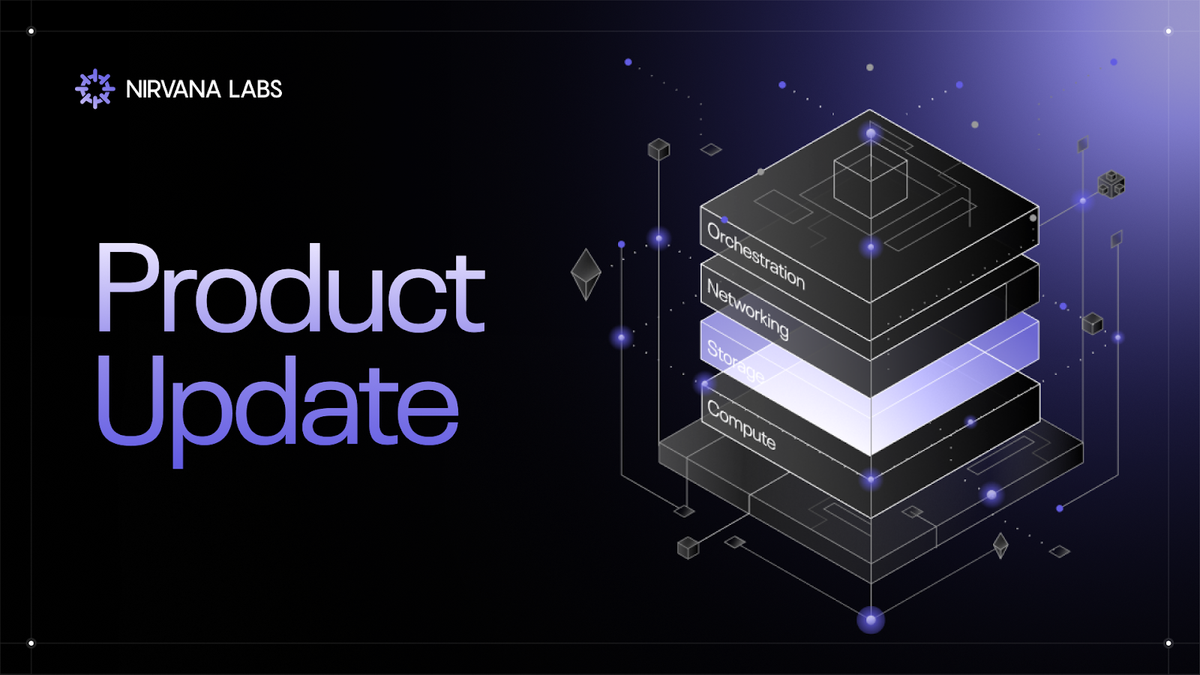
Developer workflows, fine-grained security controls, and infrastructure flexibility for your cloud.
TL;DR
We've shipped a wave of features since the Organizations launch focused on making Nirvana faster to build with, more secure to operate, and more flexible for teams managing production infrastructure:
- Equivalent Code Panel → see the equivalent code to create any resource as you build it in the dashboard
- API Key Permissions → scope keys to specific projects and resource types with read/edit controls
- SIEM Integration → stream audit logs to your security monitoring provider
- JIT Provisioning Controls → disable auto-provisioning to require explicit member invitations
- GitHub Authentication → sign up and sign in with GitHub
- Volume Attachment & Detachment → attach and detach block storage volumes independently of VM lifecycle
- Changelog → a public changelog on the website to track every update
These updates span developer experience, security posture, and storage operations - all areas where teams told us they needed more control.
1. Equivalent Code Panel
Build a resource in the dashboard, and Nirvana now generates the equivalent code in real time - across Terraform, CLI, HTTP, TypeScript, and Go.
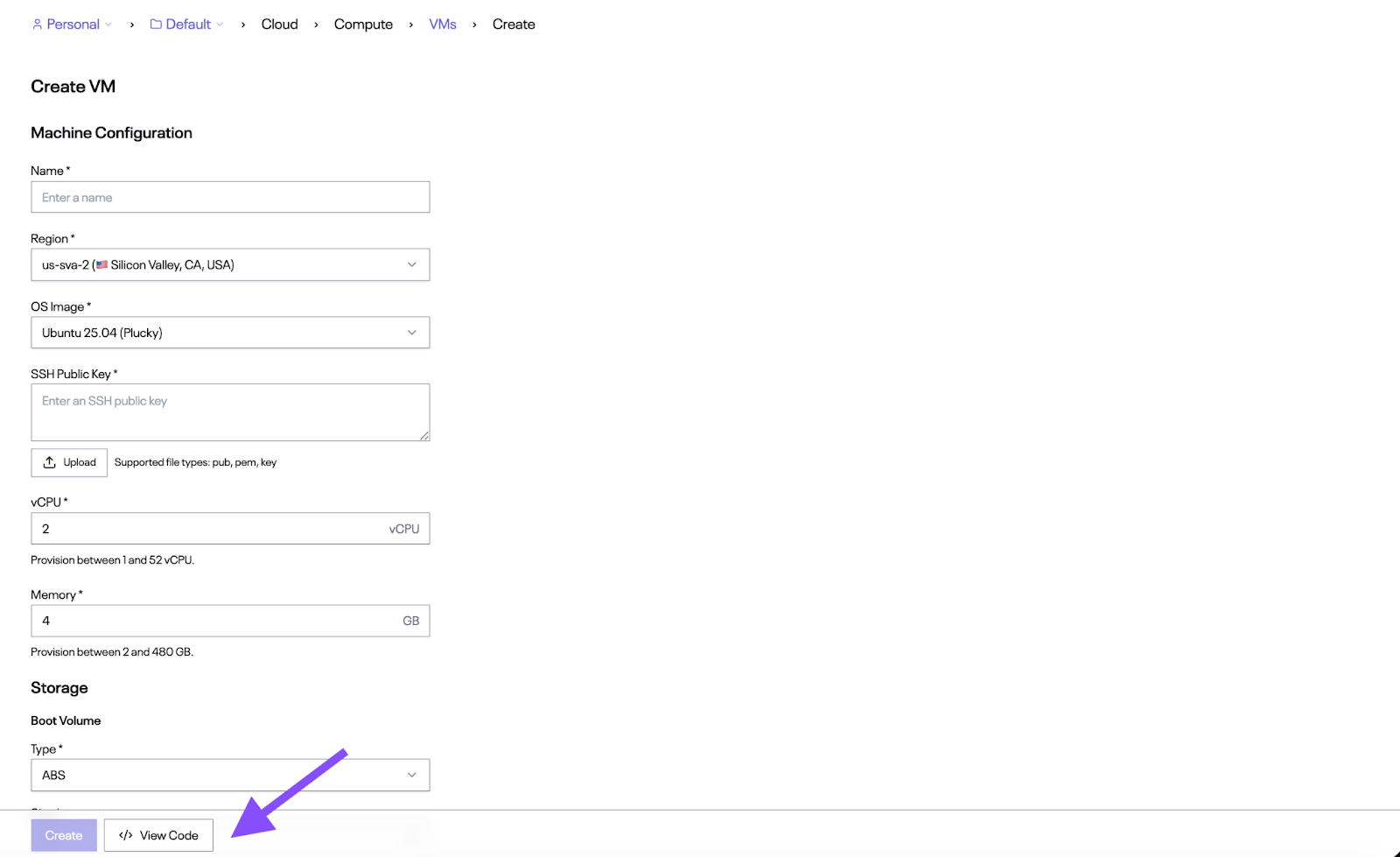
When you create a resource (a VM, volume, VPC, etc.), click the View Code button at the bottom of the form. A panel opens alongside the form showing the equivalent code for your current configuration. As you change properties - region, vCPU, memory, storage type - the code updates live to match.
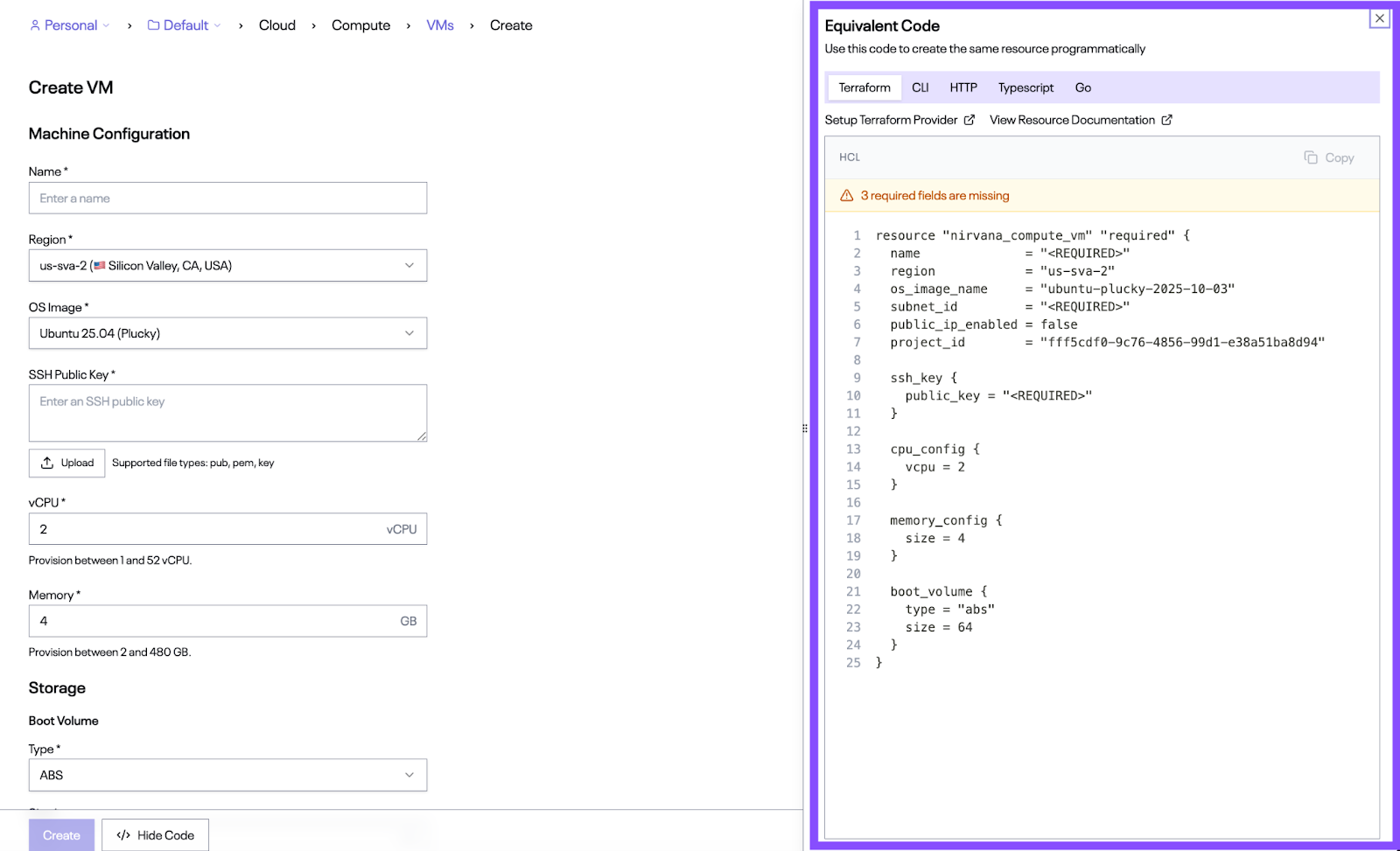
The panel also flags required fields you haven't filled in yet, so you can see exactly what's needed before the code is ready to run.
This is useful for teams that prototype in the dashboard but deploy programmatically, or for anyone who wants to move between the UI and infrastructure-as-code without translating settings manually.
Key details:
- Five output formats: Terraform, CLI, HTTP, TypeScript, and Go — switch between tabs in the panel.
- Live updates: The code reflects every property change as you make it in the form.
- Required field validation: The panel flags missing required fields so you know when the code is complete.
- Copy and run: One click to copy the generated code. Paste it into your terminal, editor, or CI pipeline.
- Documentation links: Each format includes links to set up the provider/SDK and view the resource documentation.
To try it out, navigate to any resource in the sidebar (e.g., Compute > VMs) and click Create, then click View Code at the bottom of the form.
2. API Key Permissions
API keys can now be scoped to specific projects with read/edit permissions per resource type, including VMs, VPCs, firewall rules, volumes, and more. Fine-grained access control for teams and automation.
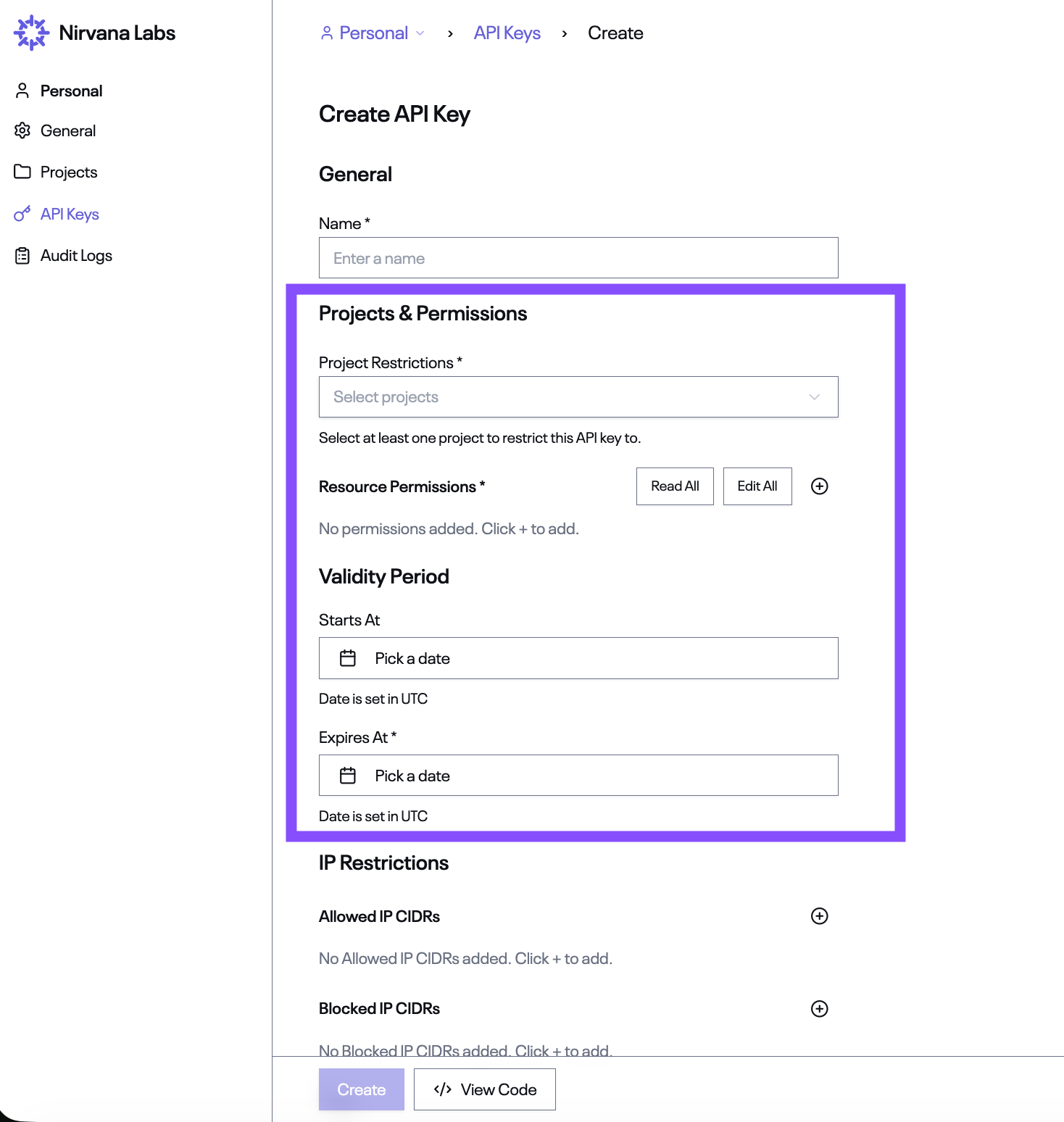
When creating an API key, the new Projects & Permissions section lets you lock each key down to exactly what it needs. Select one or more projects under Project Restrictions, then configure Resource Permissions - either grant broad access with the Read All / Edit All buttons, or click + to add permissions for specific resource types individually.
This reduces the blast radius of any single key. If a CI pipeline only needs to manage VMs in your staging project, its key can be restricted to exactly that.
Key details:
- Project restrictions: Each key must be restricted to at least one project. Select the projects the key should have access to.
- Resource permissions: Use Read All / Edit All for broad access, or add granular permissions per resource type with the + button.
- Read/edit granularity: Separate read and edit permissions so monitoring keys can't accidentally modify infrastructure.
- Works across SDKs: Permissions are enforced at the API level, so they apply whether you're using Go, TypeScript, Terraform, HTTP, or the dashboard.
Navigate to API Keys > Create to configure permissions on a new key.
3. SIEM Integration
Stream your organization's audit logs to your SIEM provider for centralized security monitoring and compliance reporting.
Every API call in your organization is already captured in Audit Logs. SIEM integration lets you forward that activity stream to your security monitoring provider, so your team can monitor Nirvana activity alongside everything else in one place.
Configure log forwarding directly from the dashboard.
Key details:
- Dashboard configuration: Set up log forwarding directly from the dashboard.
- Full event context: Forwarded events include timestamp, HTTP method/path, status code, actor (user or API key), client IP, and user agent.
- Centralized monitoring: Feed Nirvana activity into your existing security monitoring and compliance reporting workflows.
4. Just-in-Time (JIT) Provisioning Controls
Administrators can now request disablement of JIT provisioning in the dashboard, requiring explicit member invitations during onboarding instead of auto-provisioning on sign-in.
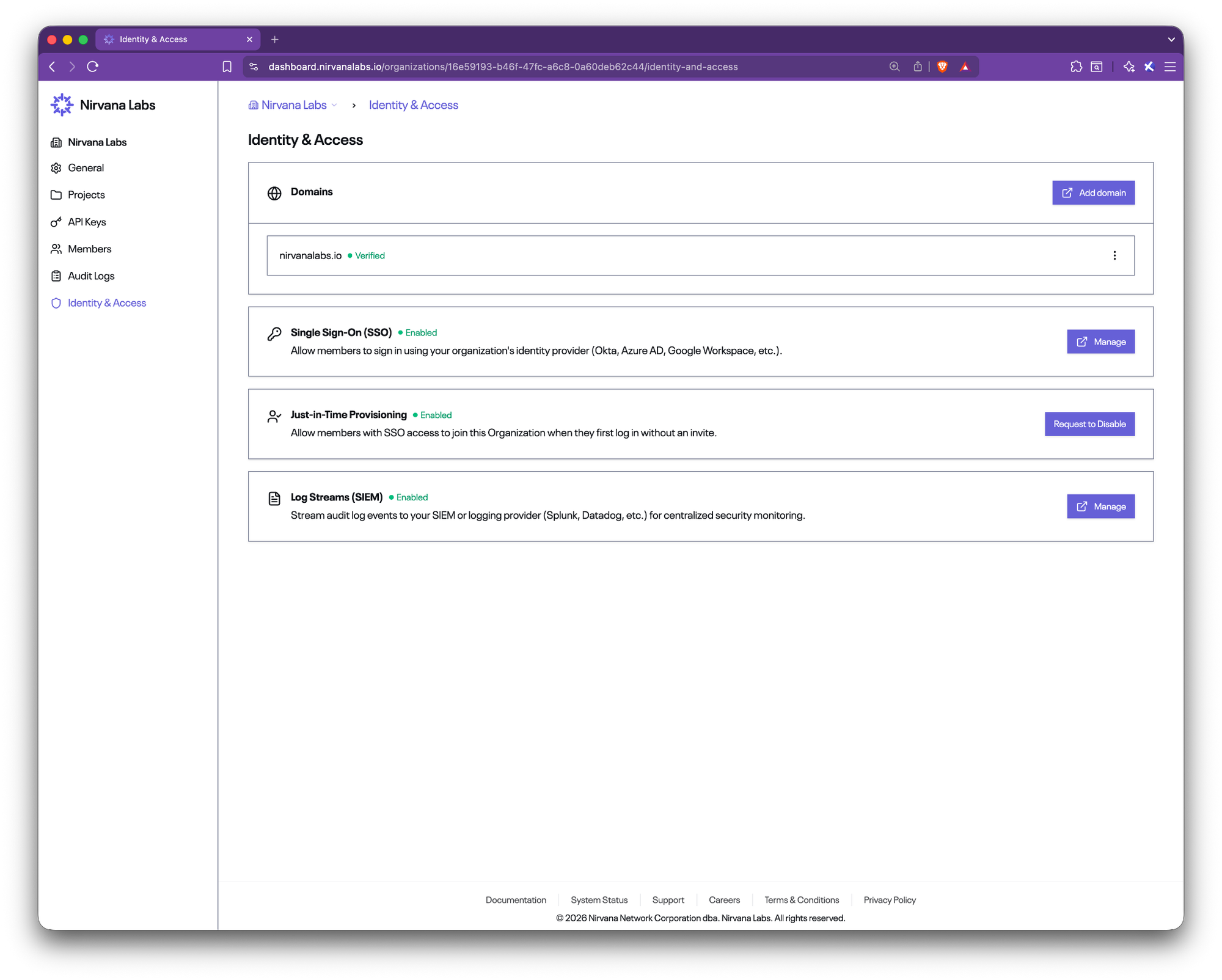
With SSO enabled, JIT provisioning automatically creates accounts for anyone who authenticates through your identity provider. That's convenient during initial rollout, but some teams want tighter control over exactly who joins their organization.
With JIT provisioning disabled, even if someone authenticates through your IdP, they won't be added to your Nirvana organization unless they've been explicitly invited. This gives teams tighter control over who can access their organization.
Key details:
- Request from the dashboard: Organization administrators can request disablement of JIT provisioning directly from the dashboard.
- Explicit invitations only: When disabled, new users must be invited before they can access the organization.
- Works with SSO: This control sits on top of your SAML SSO configuration — authentication still goes through your IdP, but org membership is gated by invitation.
- No impact on existing members: Disabling JIT provisioning only affects new sign-ins, not users who are already members.
5. GitHub Authentication
Sign up and sign in to Nirvana with your GitHub account.
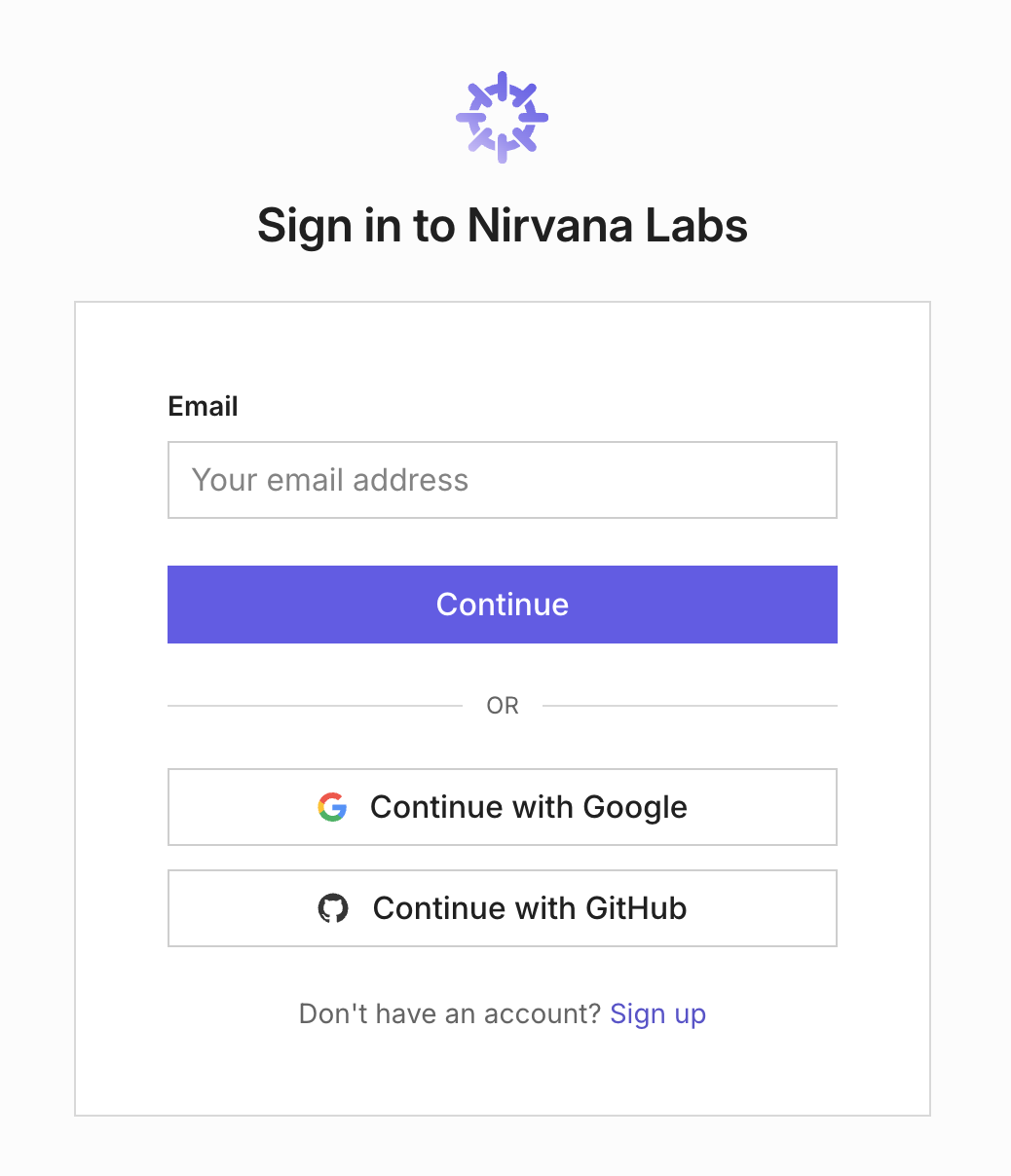
GitHub is now available as an authentication provider alongside Google and email/password. If your team already lives in GitHub, this removes one more account to manage.
Key details:
- One-click sign-in: Authenticate with GitHub OAuth - no separate password to create or remember.
- New and existing accounts: Works for both sign-up and sign-in.
- Alongside other providers: GitHub joins Google and email as available authentication methods. You can link multiple providers to the same account.
6. Volume Attachment & Detachment
Block storage volumes can now be created, attached, and detached independently of the VM lifecycle.
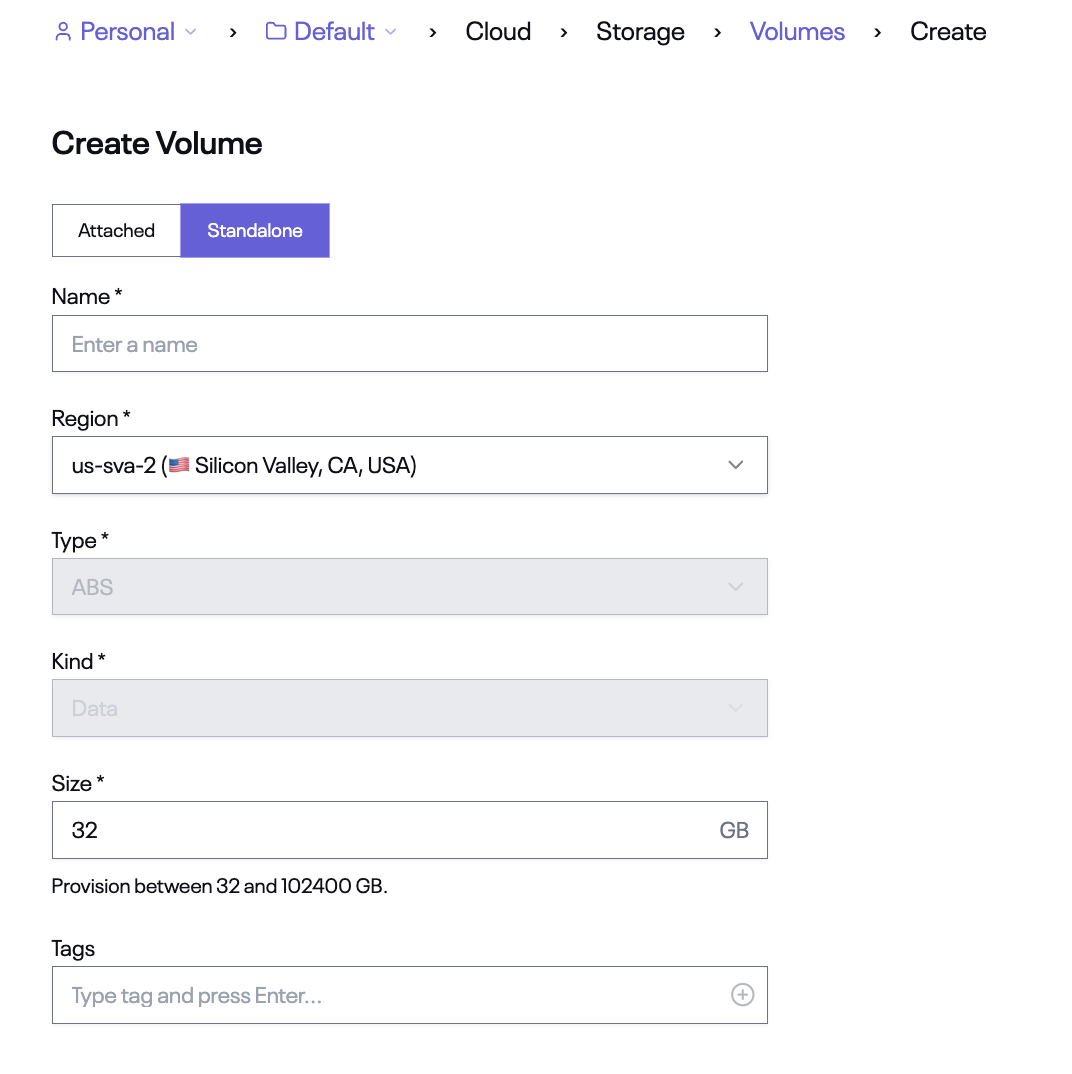
Previously, volumes were tightly coupled to VM creation. Now you can create standalone data volumes, attach them to VMs, and detach them without destroying the VM or the data. This makes it straightforward to move storage between instances, resize workloads, or maintain persistent data volumes that outlive any single machine.
Key details:
- Standalone volume creation: Click Create Volume under Storage > Volumes to create a data volume without associating it to a VM upfront.
- Attach to any VM: Select a volume and attach it to a VM in the same region. Note: the VM will be restarted when a volume is attached.
- Detach and reattach: Detach a volume from one VM and reattach it to another without data loss.
- Same-region requirement: Volumes can only be attached to VMs in the same region.
- Dashboard and API support: Manage volume lifecycle from the dashboard UI or programmatically via the API and SDKs.
Navigate to Storage > Volumes in the dashboard to create and manage standalone volumes.
7. Changelog
We've added a public changelog to the Nirvana Labs website so you can track every update in one place.
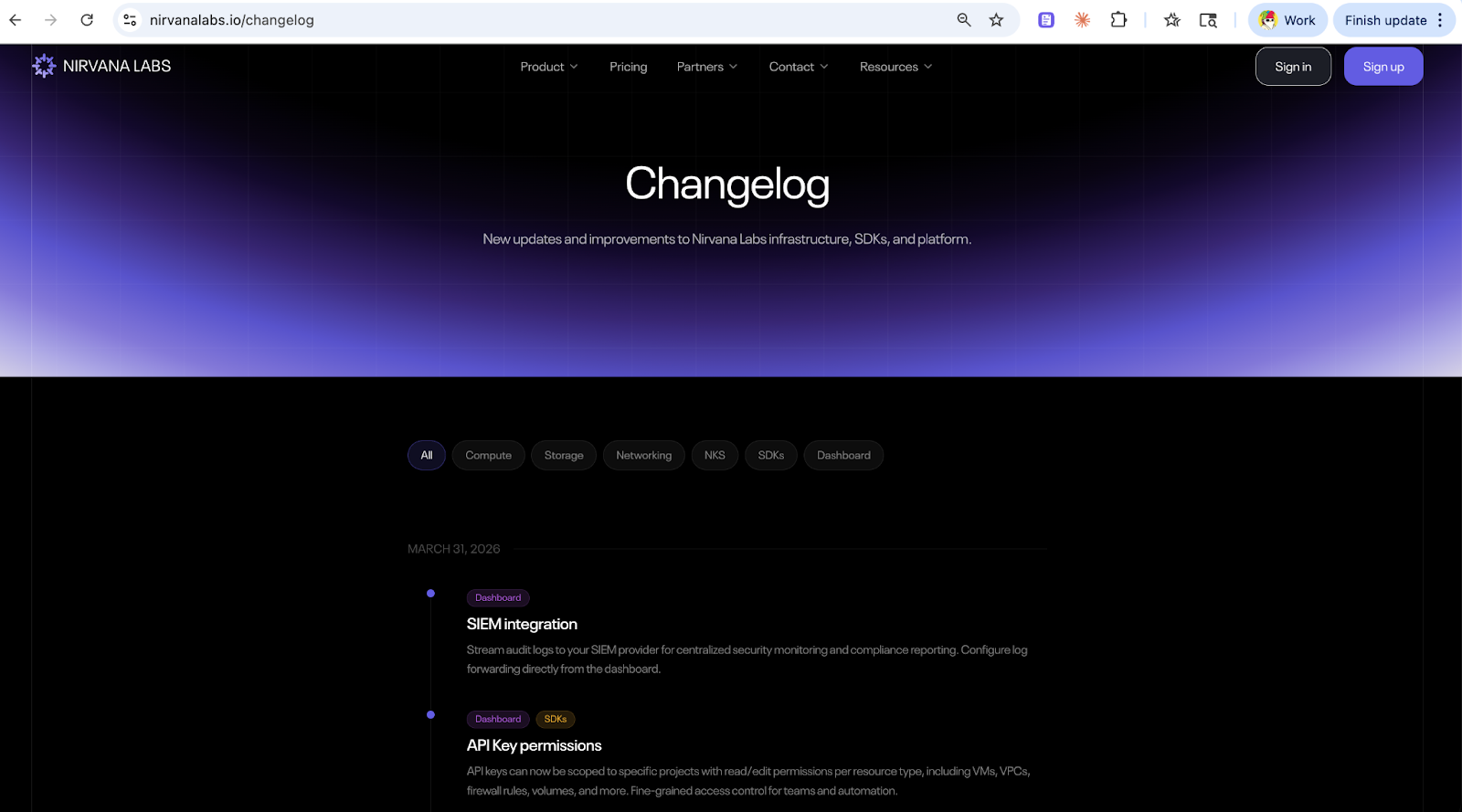
Filter by category to see only what's relevant to you. Each entry includes the date, affected surfaces (Dashboard, SDKs, Terraform, API), and a description of what changed.
Key details:
- Filterable by category: Compute, Storage, Networking, NKS, SDKs, and Dashboard.
- All updates in one place: Product features, SDK releases, and infrastructure changes - all documented.
- Public and linkable: Share specific updates with your team or reference them in support conversations.
Visit nirvanalabs.io/changelog to see the full history.
Nirvana: Modern Cloud for Real-time Workloads
High Clock Speed Compute. Low Latency Storage. Radically Cheaper Bandwidth.
Powering Web3, AI, and real-time systems.
Learn more at Nirvana Labs
Nirvana Cloud | Pricing | Blog | Docs | Changelog | Twitter | Telegram | LinkedIn